╱╱ Built by a rucker, for ruckers

Made
for the
ruck.

A tracker that finally speaks rucking. Log your load, route, pace, and climb in one clean place — recorded offline-first, synced to Apple Health.

● On the App Store — in review
Field record · 04.30.26● Live
Distance5.16km
Time48:12
Pace9:20/km
Climb130m
Load16kg
Elevation
Why it exists
Purpose-built from the first screen.
01
Track
Weight, distance, pace, route, and climb — all in one place, all clear at a glance.
02
Keep it honest
Your history is computed from real sessions. No streak shaming, no celebration confetti. The work speaks.
03
Stay focused
A tool that stays close to the work. Quick to start, easy to read, ready when you are.
The screens
Everything you need, nothing in the way.
01● Live
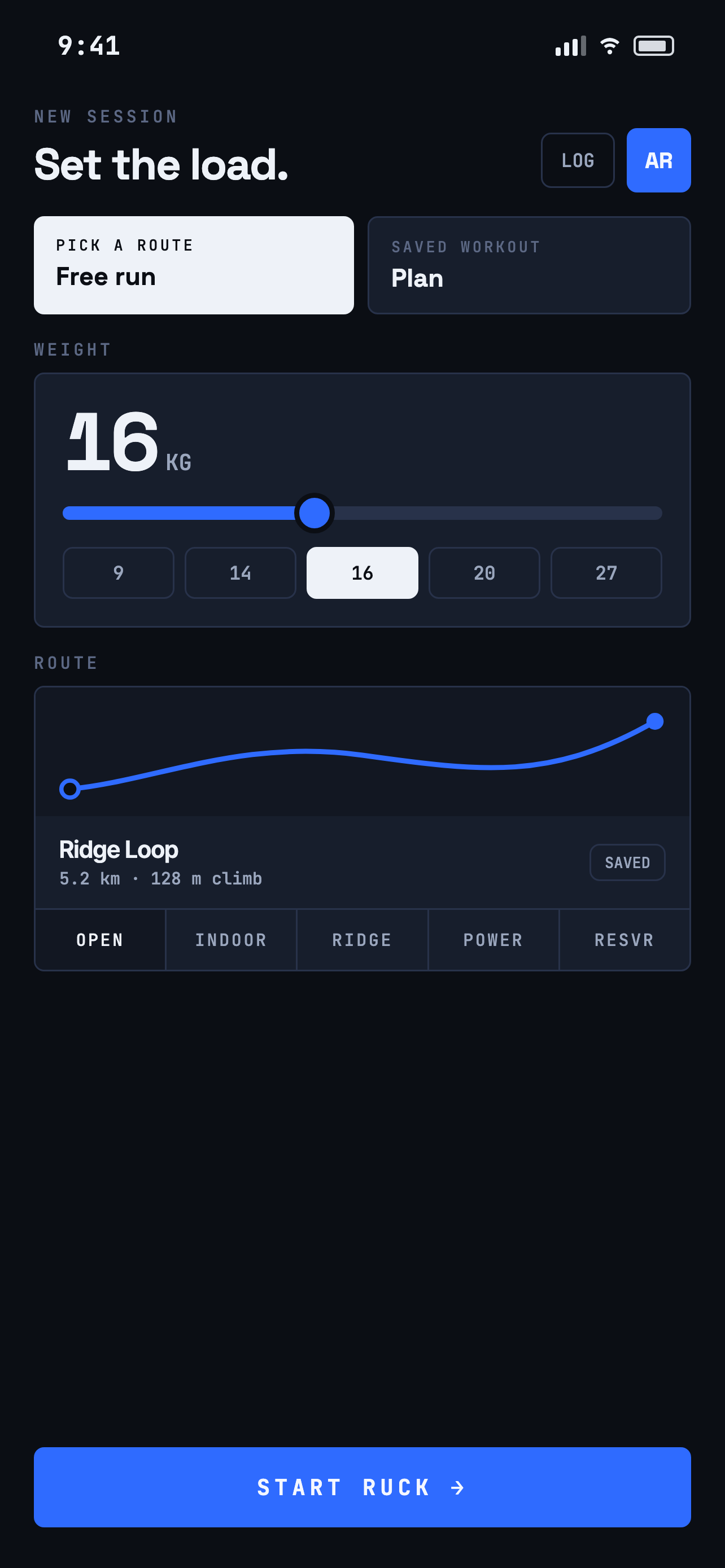
Pre-ruck screen
Pre-ruck
Load. Route. Target. Start.
02● Live
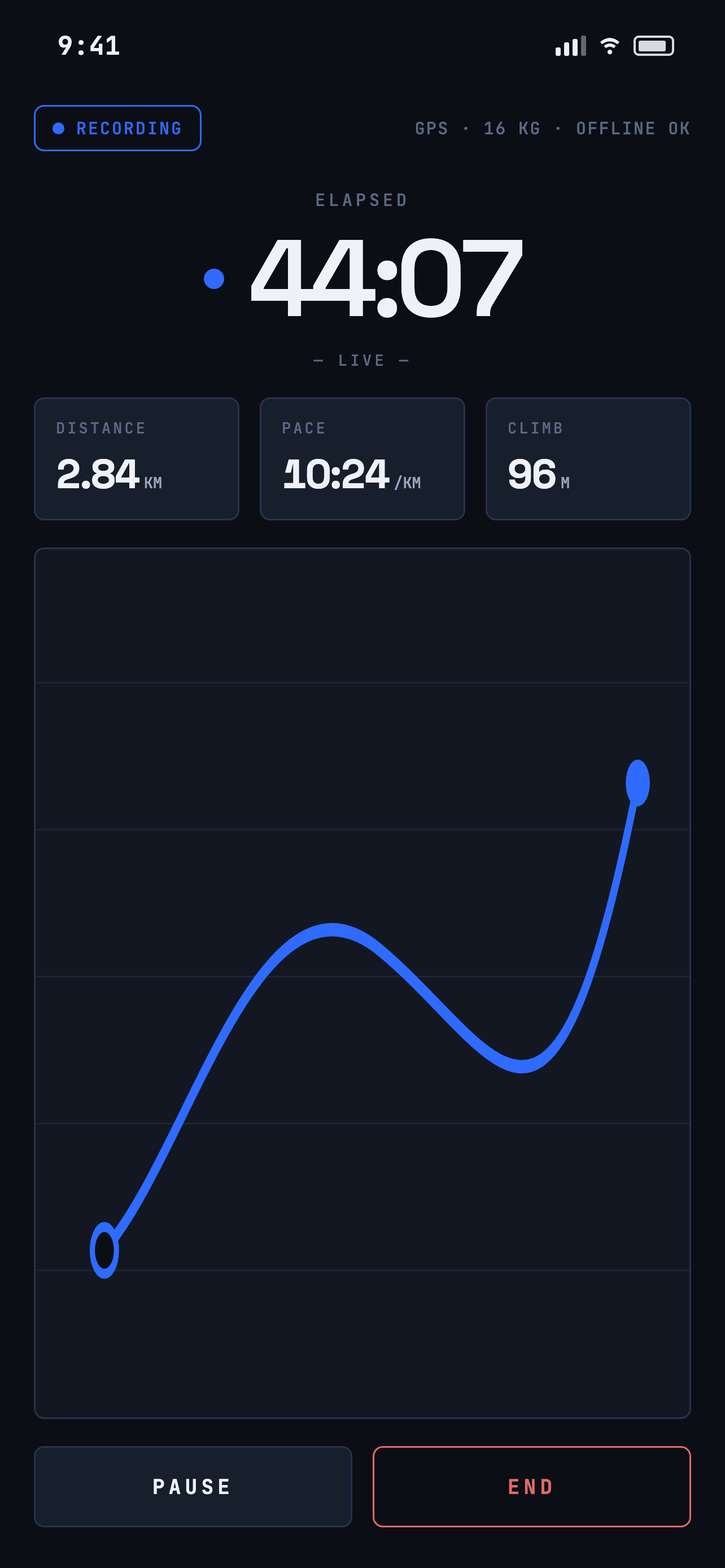
Active ruck screen
Active ruck
One timer. Three numbers. The map.
03● Live
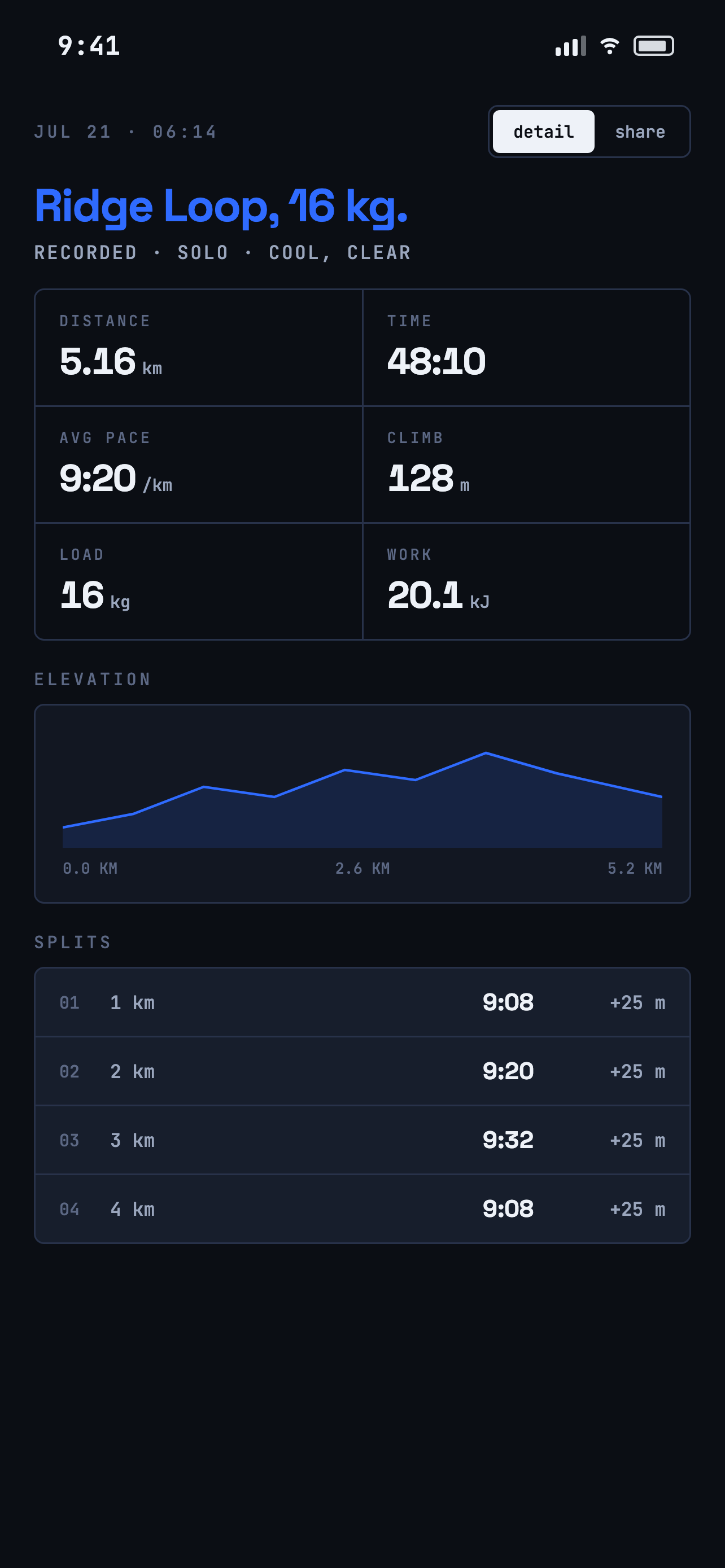
Summary screen
Summary
Splits, climb, and the work done.
04● Live
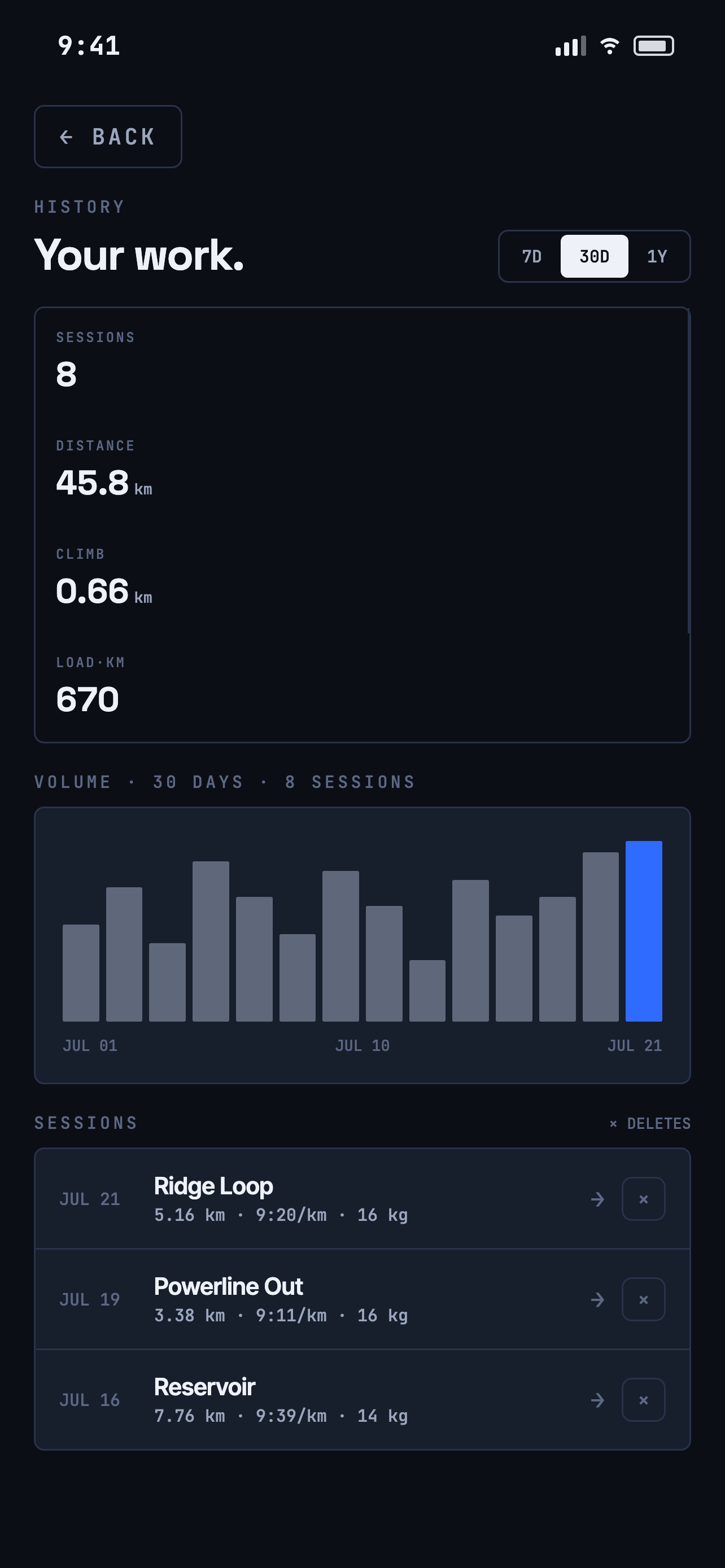
History screen
History
Volume, pace, and load over time.
05● Live
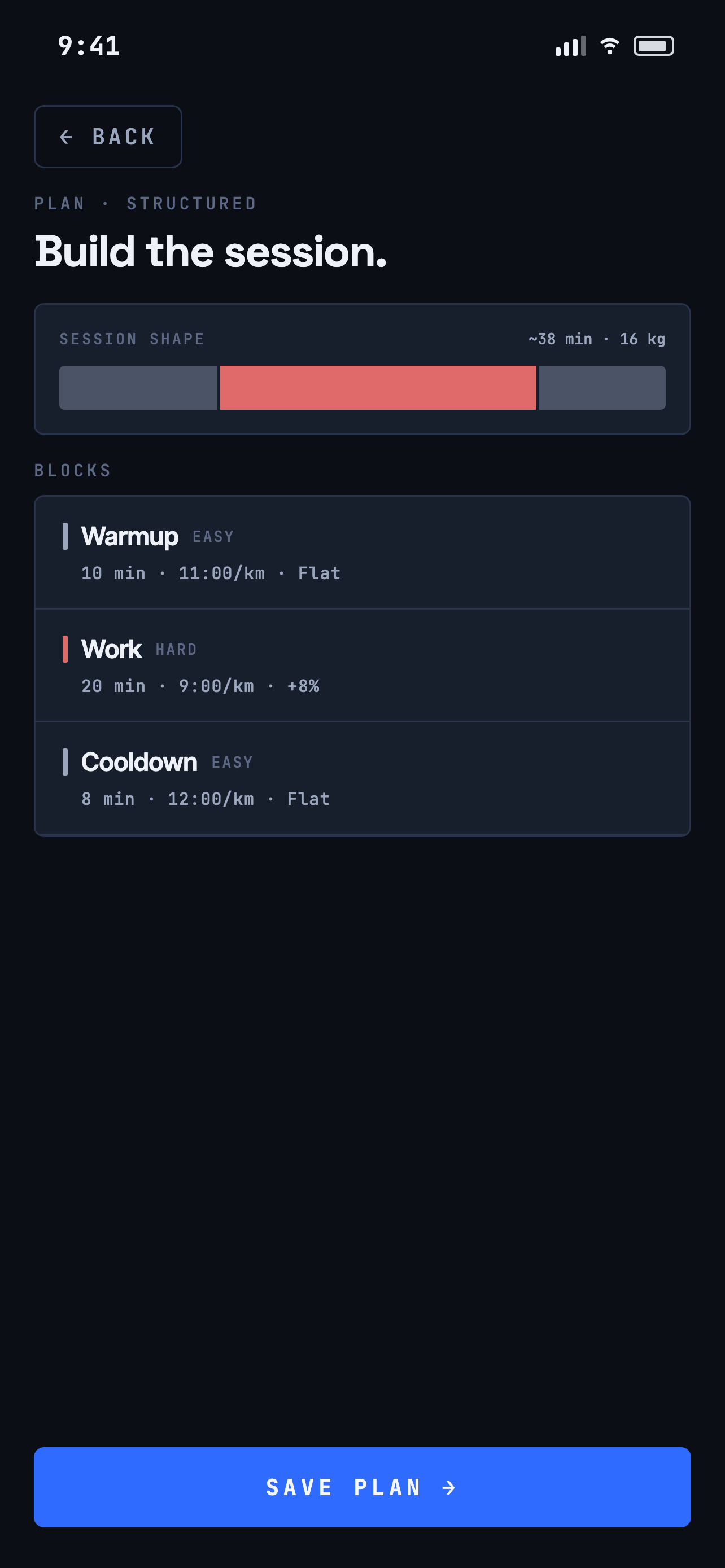
Plan a session screen
Plan a session
Structured workouts. Save once, start in a tap.
What you get
The essentials, done right — so you can record the effort and keep it honest.
Support
Questions, answered.
Does recording stop when my screen locks?
No. RuckMeter records in the background during an active ruck. Set Location access to “Always” or “While Using” in iOS Settings.
Can I ruck on a treadmill?
Yes. Choose “Indoor” on the route card — the session records time, and you enter the belt distance on the summary afterwards.
Does it work with Apple Health?
Turn on Profile → Sync to Apple Health. Completed rucks are written as workouts with your load; deleting a ruck removes its Health entry too.
How do I get support?
Email saidur2k@hotmail.com with your iOS version and what happened. See the privacy policy for how your data is handled.